
Introduction
If you’re new to WordPress, you might be confused about categories and tags. Both are used to organize your content, but they serve different purposes. Understanding the difference helps you improve your website’s navigation and SEO.
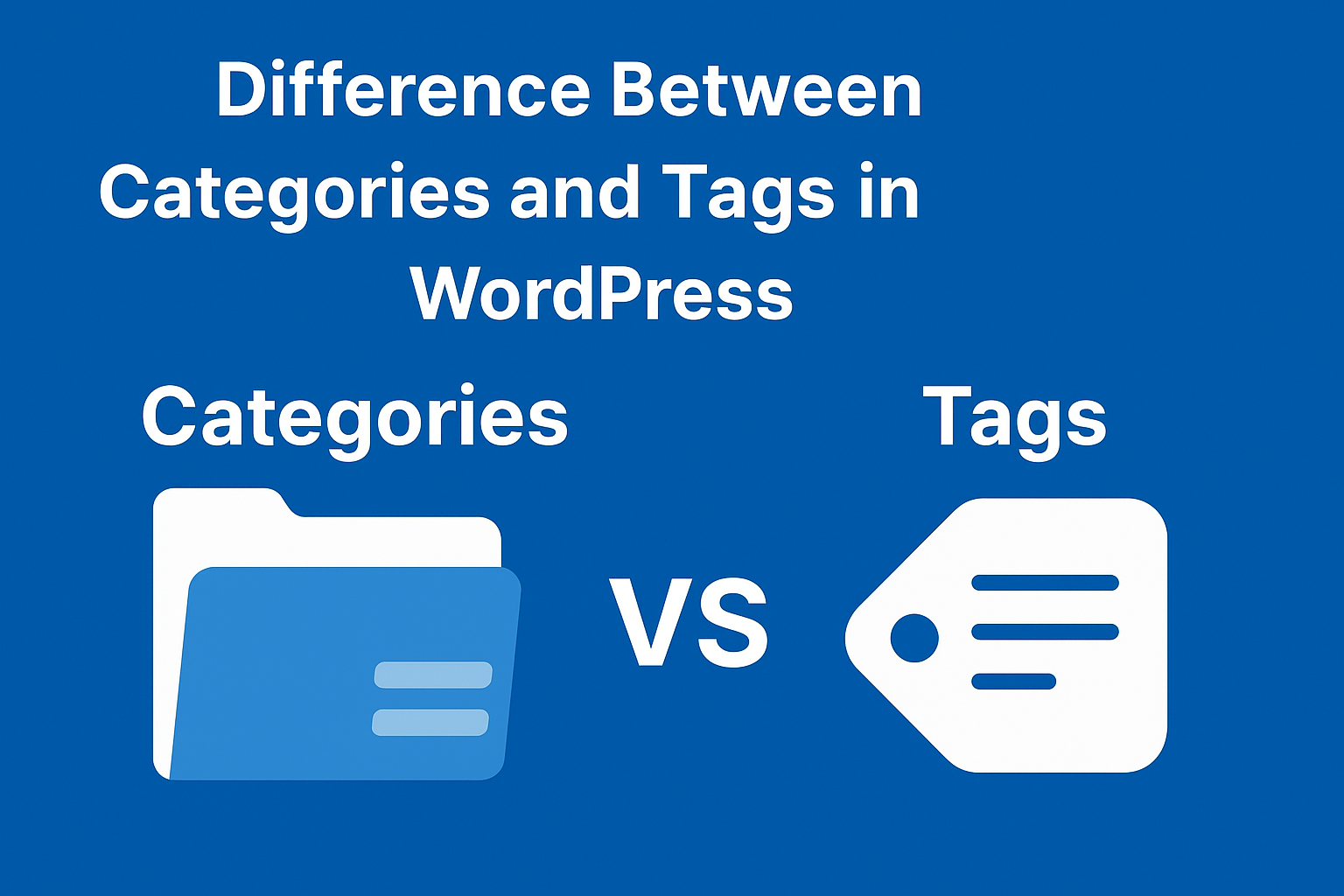
🔹 What are Categories in WordPress?
A category is a broad grouping of your content. Think of it as the “table of contents” of your blog.
Key Features of Categories:
- Used for broad topics or sections.
- Can be hierarchical (parent and child categories).
- Required by WordPress (if you don’t choose one, WordPress assigns “Uncategorized”).
- Best for structuring your website content.
Example Use Cases:
- Technology, Lifestyle, Travel, Education (main categories).
- Under “Technology” → Mobile, Software, Gadgets (subcategories).
🔹 What are Tags in WordPress?
A tag is a keyword or label that describes the specific details of a post. Unlike categories, tags are not hierarchical.
Key Features of Tags:
- Provide more specific descriptions of your post.
- Not mandatory (you can publish without tags).
- Great for linking related posts across categories.
- Work like “index keywords” for your blog.
Example Use Cases:
- In a “Travel” category → tags can be “Paris,” “Budget Travel,” “Adventure.”
- In a “Technology” category → tags can be “iPhone 15,” “AI Tools,” “Python Programming.”
🔹 Major Differences Between Categories and Tags
| Feature | Categories | Tags |
|---|---|---|
| Purpose | Broad grouping of content | Specific keyword/label |
| Hierarchy | Yes (parent/child) | No hierarchy |
| Required | At least one is required | Optional |
| Example | Travel, Technology, Lifestyle | Paris, iPhone, AI, Budget Travel |
✅ Conclusion
In simple terms:
- Categories are the “chapters” of your website.
- Tags are the “keywords” that describe details of your content.
Using both properly ensures better SEO and makes it easier for visitors to find what they’re looking for.